
Newbie 101: Explore your student access perks

Newbie 101: Explore your student access perks

Becoming an RMIT student comes with more than just classes and campus life. Your student account unlocks a range of digital tools, from productivity essentials to creative applications, to help you work smarter, build new skills and bring your ideas to life.

Start with the essentials

University life comes with a range of academic tasks, from writing individual assignments and preparing group presentations to organising your study schedule.

Your RMIT student account gives you access to Microsoft 365, a suite of applications that helps you manage these tasks, collaborate with classmates and stay organised.

Simply sign in to Microsoft 365 using your RMIT student account to access:

  • Microsoft Word: Write and format assignments, reports and academic documents.
  • Microsoft Excel: Organise data, create spreadsheets and work with calculations.
  • Microsoft PowerPoint: Build presentations with slides, visuals and multimedia.
  • Microsoft Teams: Meet classmates online, chat and collaborate on group projects.
  • Microsoft Outlook: Check your RMIT emails, manage meetings and keep track of important dates.
  • Microsoft OneNote: Take lecture notes, organise research and keep study materials in one place.

Student tip: Sign in with your RMIT student account rather than a personal account to access the applications and features included in your student licence.

Bring your ideas to life

If you’re thinking to make your presentations more engaging or create visuals for a student project then Canva is a handy tool for that. 

You can sign up or log in to Canva using your RMIT email address through Google. Canva recognises your student email as an education account, giving you access to its free offering for students, even though RMIT does not have a separate institutional Canva subscription.

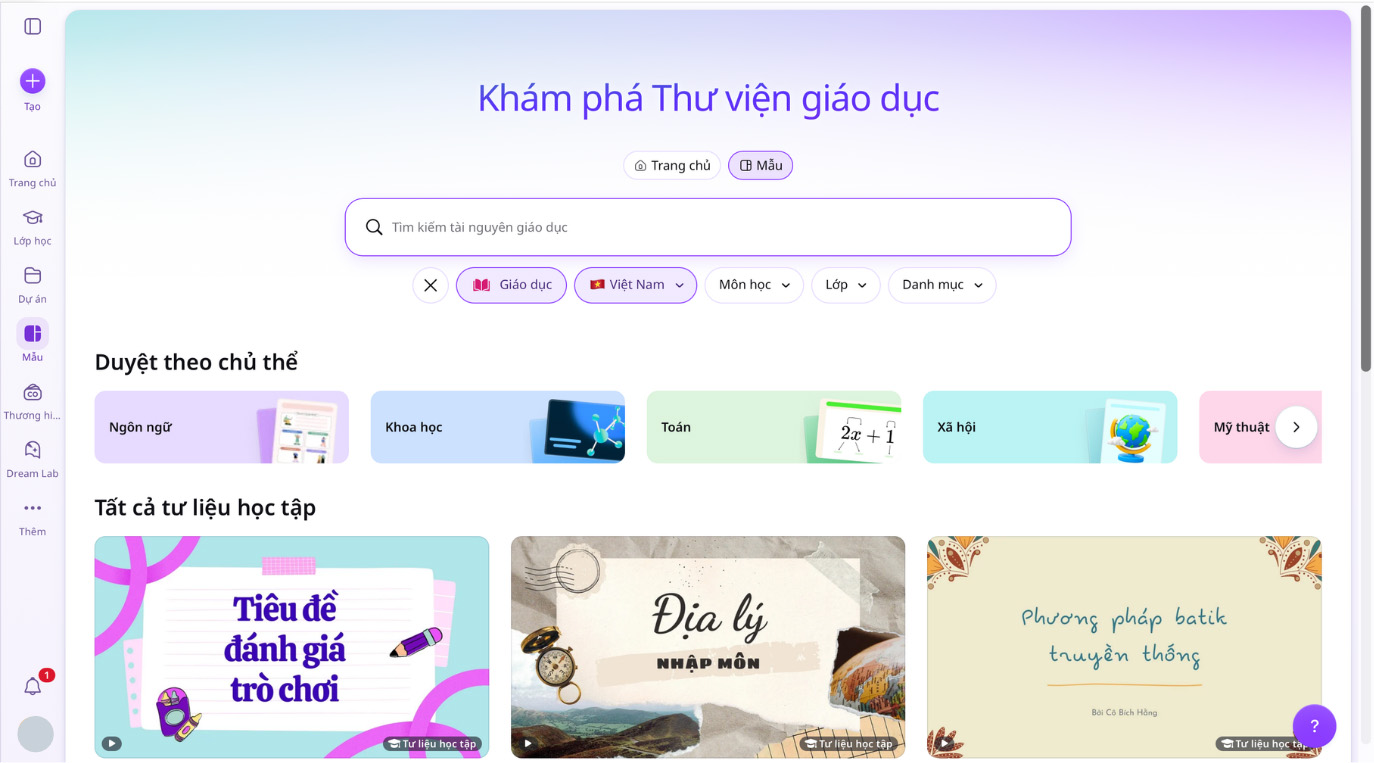
Canva Education interface

Student tip: Explore Canva's templates, layouts and design elements to give your content a visual boost no need for a design base without having to create everything from scratch.

Explore more creative possibilities

If you want to take your creative projects further, RMIT also provides access to a range of Adobe applications.

Your access depends on your program and course requirements. All RMIT students  students can access four selected applications: Adobe Express Premium, Adobe Stock, Adobe Podcast and Adobe Portfolio. Eligible students, depending on their coursework requirements, can use the full Adobe Creative Cloud suite.

Here are some ways to use these tools in your studies and personal projects.

1. Design and create content 

If you want to make your presentations more engaging, design posters or create social media content, Adobe Express Premium offers templates and editing tools to help bring your ideas to life. 

Some feature you can use to enhance your visual work:

  • Templates and design assets: Customise templates with photos, fonts, icons and other design elements.
  • Brand Kit: Save and apply your colours, logos and fonts across designs. 
  • Photo and video editing: Remove backgrounds, resize images, add animations and edit videos.
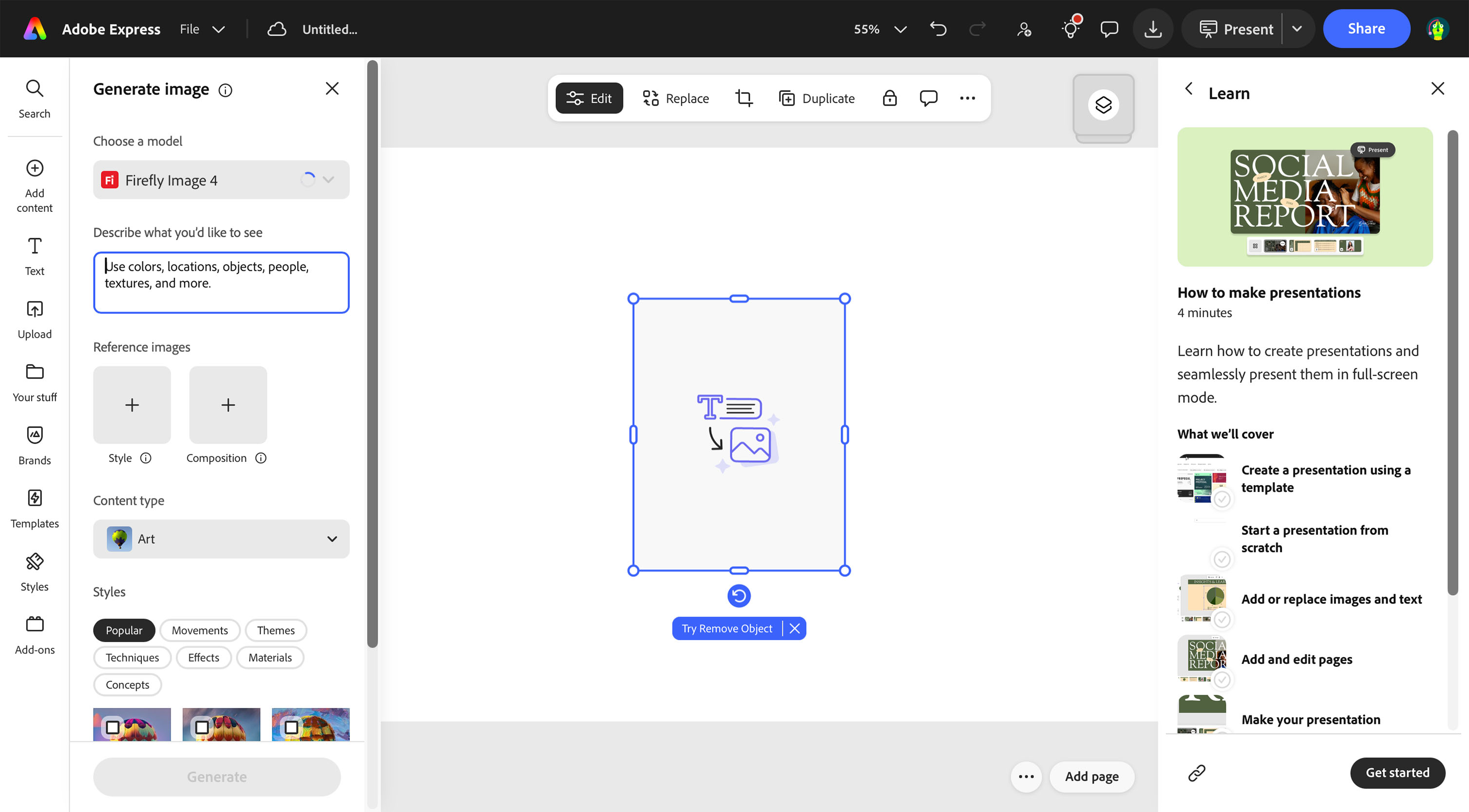
  • Generative AI: Generate images and visual assets using text prompts.

For Dinh Nguyen Bao Chau, a Digital Media student, generative AI has become one of the more useful features in Adobe Express. She initially explored the application for its design tools but found that generating images could also help when existing stock visuals did not match her ideas.

 “It's really helpful when you cannot find a stock image that meets your expectations. You can generate an image and choose from the results,” she shared.

The Generate Image feature interface in Adobe Express Premium.
2. Find images and creative assests

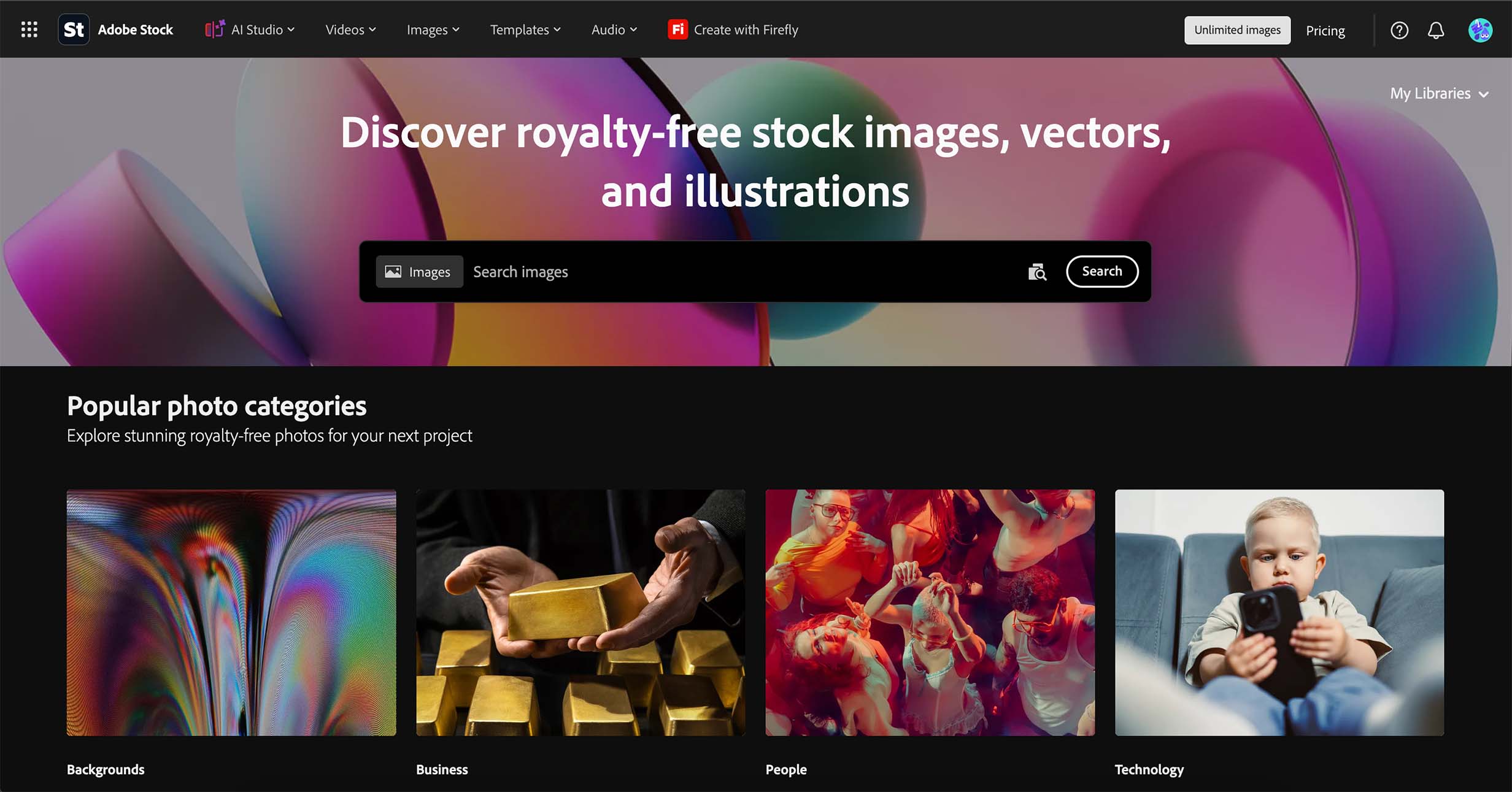
Adobe Stock offers a library of visual and multimedia assets for academic and personal projects. You can search for:

  • Photos and illustrations: Find images to support presentations, reports and visual designs.
  • Vectors and graphics: Explore icons, illustrations and scalable design elements.
  • Video and audio: Browse stock footage, music and sound effects for multimedia projects.
  • Templates: Find ready-made creative assets to help develop your designs.
Adobe Stock interface

Design Studies student Tran Thanh Thu uses Adobe Stock to find resources for her projects. She values the variety of materials available, which helps her save time and explore different creative directions.

“Having access to such a diverse collection of resources is a great advantage for students working on both academic and personal creative projects,” she shared.

3. Record and enhance audio 

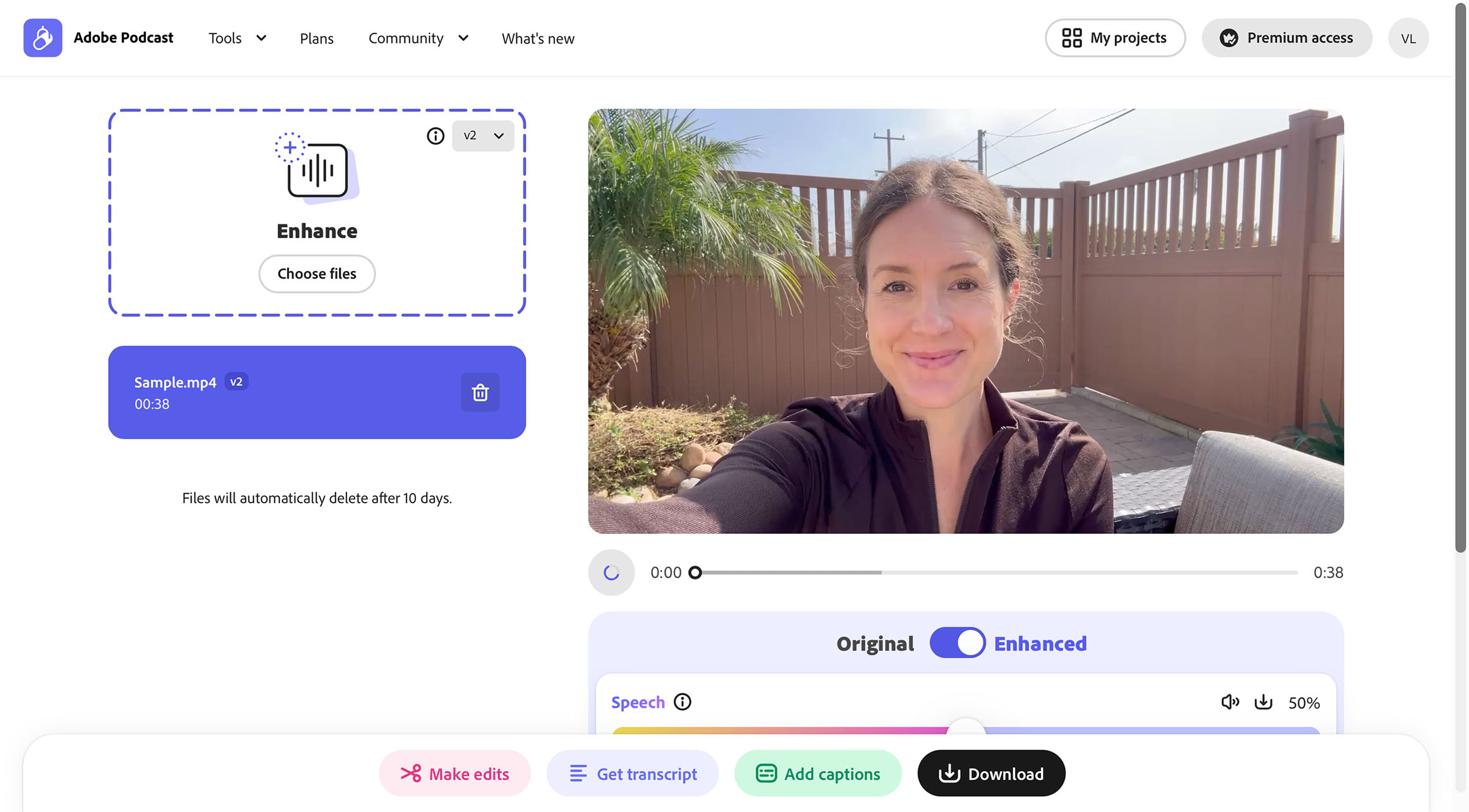
Another useful application is Adobe Podcast, which offers browser-based tools to record, edit and improve audio. Its features include:

  • Enhance Speech: Reduce background noise and echo to make voice recordings clearer.
  • Studio: Record conversations remotely with other speakers.
  • Transcription: Convert audio recordings into text for easier review and note-taking.
The Adobe Podcast Enhance Speech interface, which helps improve voice recordings by reducing background noise and echo.

These tools can come in handy when producing podcast assignments, recording interviews or creating audio for video projects.

4. Showcase your creative work

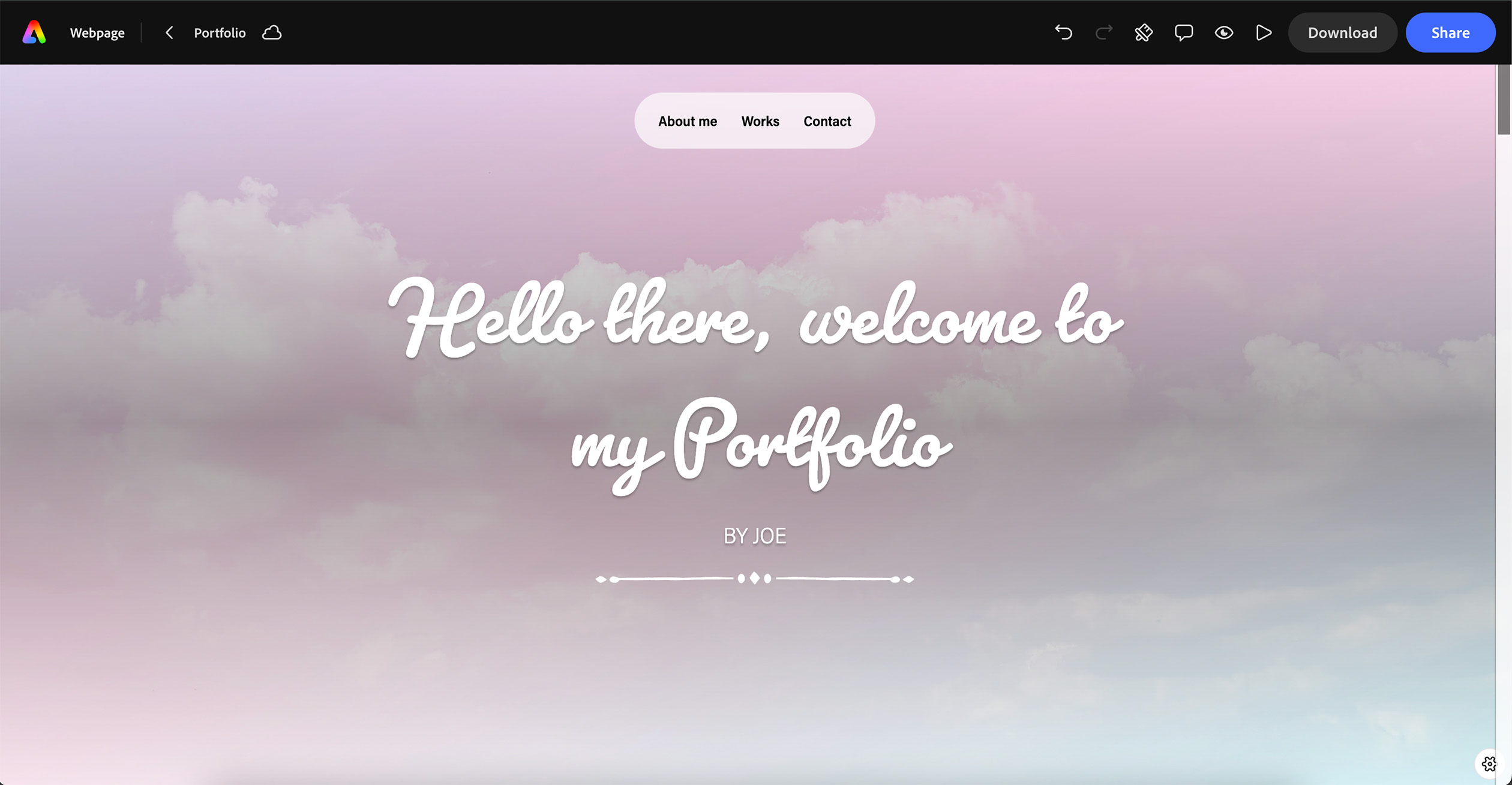
Bring your projects together in one place with Adobe Portfolio, a tool for building a personal website to showcase your work, skills and creative experience.

You can customise your website using features such as:

  • Website layouts: Choose a template and customise its colours, fonts and appearance.
  • Project galleries: Organise your work into collections by subject or creative discipline.
  • Custom pages: Add an introduction, biography and contact details.
  • Behance integration: Connect your portfolio with your Behance profile to share your projects.
Students can use Adobe Portfolio to create a personal website and showcase their work

Use Adobe Portfolio to present selected university assignments, personal projects or creative work when applying for internships and future opportunities.

Keep learning and exploring

You don't need to learn every application at once. Start with the tools that support your current assignments and explore other features as you need them.

RMIT Library runs Adobe workshops each semester and offers one-to-one consultations with Adobe Champion peers. Follow RMIT Library's social media channels for workshop dates and updates, or book a consultation for practical guidance on using Adobe applications.

Explore the digital tools available through your student account and make the most of the resources that support your studies and creative projects at RMIT.

25 November 2026

More news